The Devices You Forgot Were Computers - IoT Security for Small Business
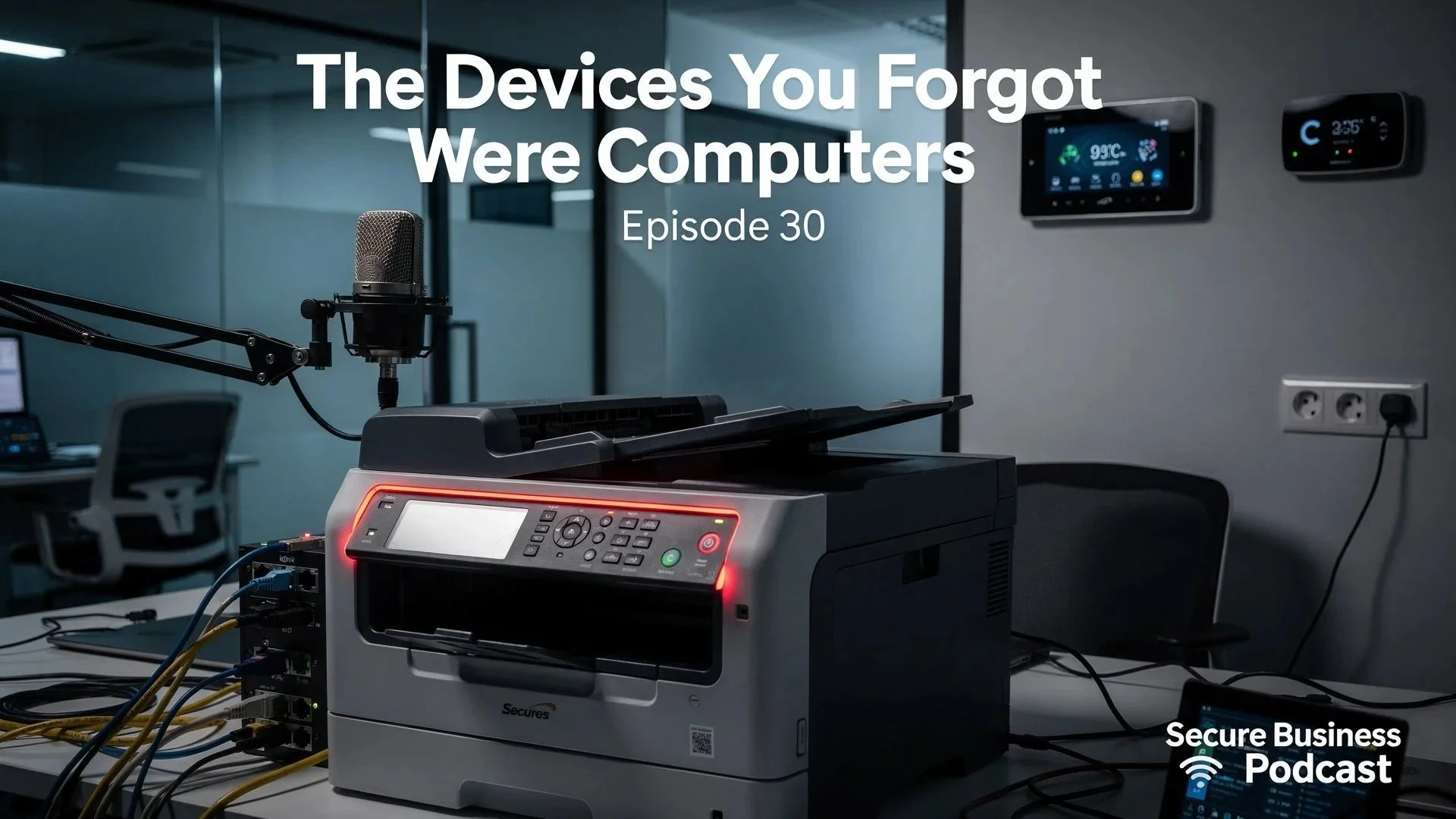
For our 30th episode, we're tackling the cybersecurity blind spot that almost no one discusses but everyone should worry about.
You've secured your laptops. You've rolled out multi-factor authentication. Your firewall is properly configured. But what about that office printer quietly storing every contract and payslip you've printed this year on a hard drive nobody ever wipes, with a password an attacker can guess in three tries?
This episode reveals the uncomfortable truth about Internet of Things (IoT) devices in your business. We're talking about printers, CCTV systems, smart thermostats, networked door locks, and every other "smart" device you've stopped thinking about as a computer.
Real Case Study: A 30-person marketing agency listened to our ransomware and authentication episodes, then invested £15,000 in proper security: new firewalls, endpoint protection, hardware authentication keys for every staff member, and a security audit that came back clean. Two months later, they discovered someone had been accessing their client files for weeks through their HP printer that still used factory default credentials.
What You'll Learn
Why your office printer is possibly the biggest security risk in your building
How default passwords on "forgotten" devices create easy access points for attackers
The real story of a £15,000 security investment defeated by a £300 printer
What network segmentation actually means and why it matters for small businesses
How to create and maintain an accurate device inventory
Practical steps to secure IoT devices without enterprise budgets
Why your CCTV system might be livestreaming to the internet right now
How smart thermostats become backdoors into your network
Key Quotes from the Episode
Noel Bradford: "Everything is connected, so everything needs at least some thought. You can't secure laptops and ignore printers. You can't roll out flawless multi-factor whilst your camera recorder still uses password 123. It all has to work together."
Mauven MacLeod: "Episode 30: The one where we ruin Christmas for every business owner who thought they were finally on top of things."
Graham Falkner: "Share this specific episode with anyone who has ever said it is just a printer. They need this in their life."
Practical Action Steps
This Week:
Find your printer's admin interface. Log in. If you can't remember the password, that's probably because it's still set to "admin". Change it. Now.
List five connected devices that aren't computers or phones. These are your starting inventory.
Check one device's firmware. Is it up to date? When was it last updated? Who's responsible for keeping it current?
This Month:
Complete device inventory using network scanning tools
Change all default passwords on every printer, camera, thermostat, and access point
Assess your network segmentation (can your printer access your file server? It shouldn't)
Assign device ownership: every device needs someone responsible
Why This Episode Matters
We've covered passwords, multi-factor authentication, ransomware, supply chain attacks, shadow IT, and social engineering across 30 episodes. But we've deliberately avoided IoT security until now because we knew it would make people uncomfortable, possibly angry, and definitely worried.
The uncomfortable truth is that whilst you've been securing laptops and servers, your office printer has had full network access, stores every document you print, and still uses the password it shipped with.
This isn't theoretical paranoia. We're seeing breaches through IoT devices happen to businesses that have otherwise invested properly in cybersecurity.
Celebrating 30 Episodes
Since launching in June 2025, we've:
Reached Top 12 in Apple Podcasts Management category worldwide
Peaked at 3,500 daily downloads
Built an audience that's 47% US, 37% UK despite being a UK-focused show
Made cybersecurity almost entertaining whilst maintaining technical accuracy
Helped businesses actually implement security improvements, not just understand threats
The chart positions and download numbers are nice, but what matters more is when someone emails to say they've finally sorted Cyber Essentials or retired Dave from IT as a single point of failure.
Listen Now
Apple Podcasts: Currently Top 12 in Management category worldwide
Spotify: New episodes every week
All major podcast platforms: Search for "The Small Business Cyber Security Guy"
Resources Mentioned
NCSC Guidance: National Cyber Security Centre IoT security guidance
Network Discovery Tools: Fing, Advanced IP Scanner, or similar free network scanning utilities
Device Documentation: Spreadsheet templates available on our website
Hardware Authentication: AuthenTrend hardware keys (sponsor)
Need Help?
If you need direct assistance with IoT device security, Cyber Essentials, network segmentation, or any topic we've covered, contact us at: hello@thesmallbusinesscybersecurityguy.co.uk
Visit thesmallbusinesscybersecurityguy.co.uk for:
Detailed guides on everything we've discussed
Step-by-step walkthroughs for printer security, camera configuration, and network segmentation
Device inventory templates and checklists
All episode show notes and transcripts
